
Alpine County eFiling Services
Alpine County, California, currently does not offer electronic filing (eFiling) for court documents. All filings must be submitted using traditional methods, such as in person, by mail, or by fax through the Alpine County Superior Court.
Because Alpine is the smallest county in California, the court system has not yet implemented a full electronic filing system.
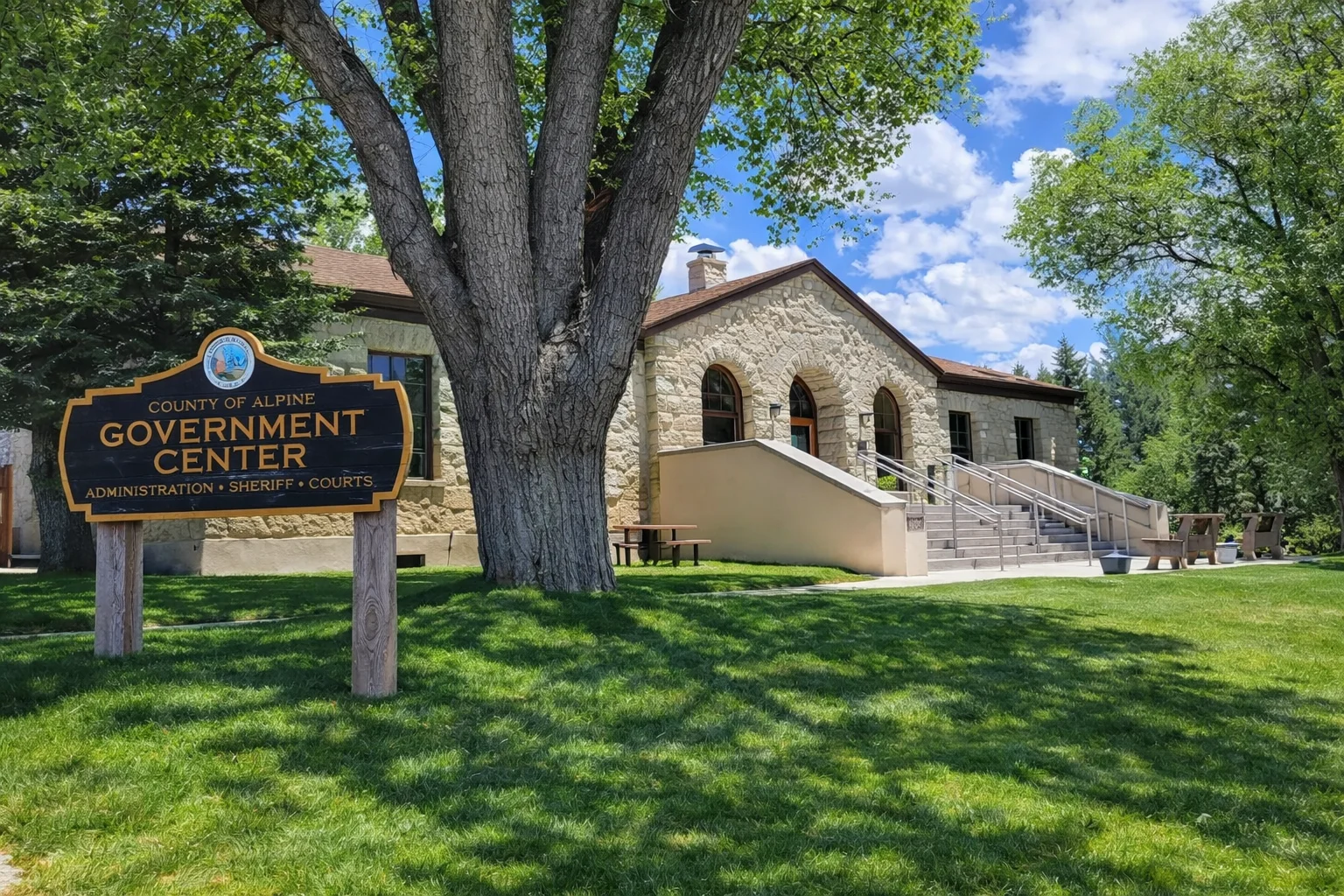
Does Alpine County Superior Court Offer eFiling?
No. The Alpine County Superior Court does not currently support eFiling for any case types, including:
- Civil
- Family law
- Probate
- Small claims
All documents must be filed manually through the court clerk’s office.
How to File Documents in Alpine County
Since eFiling is not available, filings must be completed using one of the following methods:
- In Person:
Alpine County Superior Court
14777 State Route 89
Markleeville, CA 96120 - By Mail:
P.O. Box 518
Markleeville, CA 96120 - By Fax Filing (limited):
Fax filings are accepted with applicable fees and page limits
The clerk’s office typically accepts filings during standard business hours, and documents received after the cutoff times are processed the next court day.
Why Alpine County Does Not Offer eFiling
Alpine County is the least populated county in California, and its court system operates with limited infrastructure compared to larger counties.
As a result:
- There is no eFiling system currently in place
- There is no online case access portal
- Most services are handled directly by court staff
Important Filing Information
- All filings must be submitted manually - eFiling is not available
- The court does not provide online filing or document submission systems
- Filings are processed during regular clerk office hours
- Fax filing is limited and subject to fees and page restrictions
- You may need to allow additional time for processing compared to counties with eFiling
- If you need assistance filing documents in Alpine County, our team can help ensure your paperwork is properly prepared, delivered to the court, and filed without delays.
Alternative eFiling Options in California
If you are filing cases in other California counties that do support eFiling, you can save time by using a trusted electronic filing service.
123 E-File offers fast, secure, and reliable eFiling access for supported California courts.
👉
Sign up or log in to
123 E-File to get started with eFiling in eligible counties.
Note: eFiling availability varies by county and case type.